 tvbroadview.com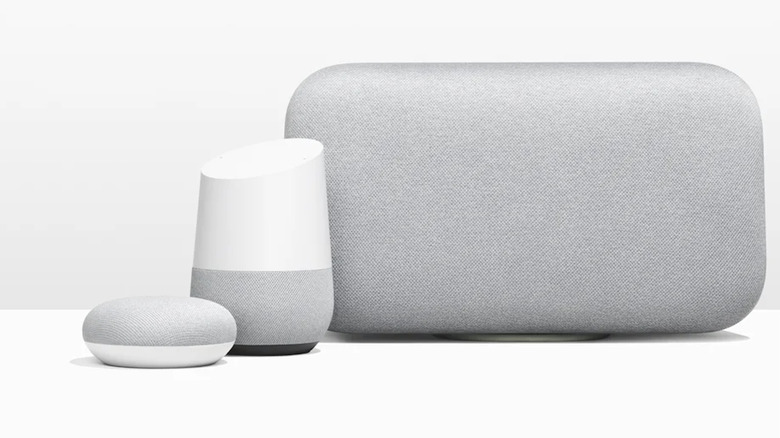
We may receive a commission on purchases made from links.
If you use Google Home as part of your smart home setup, you know it acts as the brain of the operation. Beyond managing these day-to-day tasks, Google Home can also be a big part of your home entertainment setup.
To get started with Google Home, you need the Google Home app, a Google account, and, most importantly, Google Home-compatible devices. You can manage your smart devices through the app, using voice commands to do everything from dimming the lights before bed to turning up the thermostat on chilly mornings and more. If you have a Google Home-compatible smart speaker like the Bose Smart Soundbar 900, you can say something like, “Play my morning playlist,” to listen to your favorite tunes and get your day off on the right foot. The same goes for streaming your favorite TV shows and even using your gaming console; they can all be controlled with simple voice commands. With so many compatible entertainment devices to choose from, you can put together a pretty complete smart entertainment system with Google Home at the center of it.
Google TV Streamer
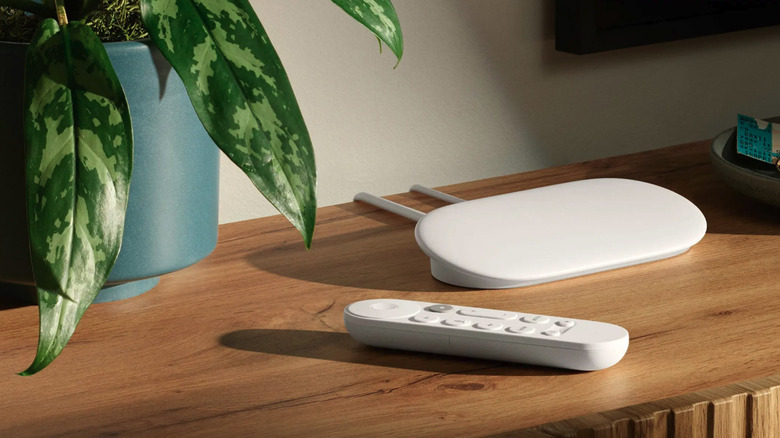
One of the best things about Google Home is being able to use voice commands to control video playback on compatible devices. However, if your TV isn’t compatible with Google Home, all is not lost. You can connect the Google TV Streamer to your TV to take advantage of all the Google Home features, including using voice commands to stream content, control playback, and even turn the TV off and on. For $99.99, you get an entertainment device that streams up to 4K HDR with Dolby Vision and Dolby Atmos. It comes with 32 GB of onboard storage, so you have plenty of room to install your must-have apps.
The streaming device comes with a voice remote with a Find My Remote button to help you locate it quickly if it ever slips between the cushions on your couch or you misplace it somewhere else. While the Google TV Streamer’s focus is entertainment, it doubles as a smart home hub, allowing you to access and control your devices from your TV screen. That means you can check your doorbell cameras, control the thermostat, and turn on the lights without taking your attention off of whatever you’re streaming. The Google TV Streamer also supports Matter, making it easy to connect it to other Google Home-compatible devices.
LG OLED C1 Series 55 TV
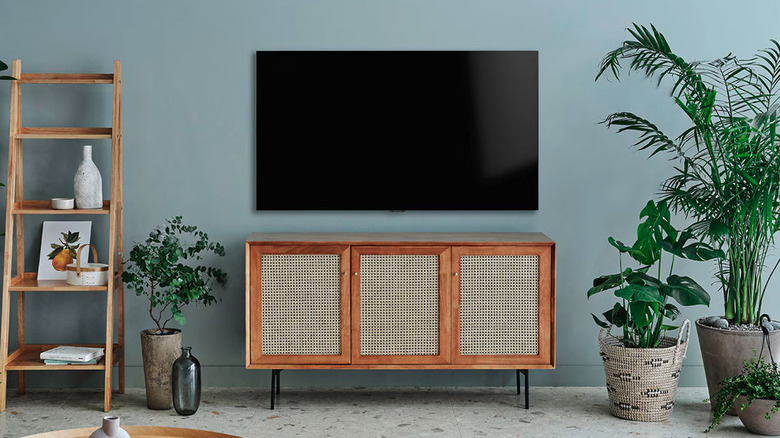
When it comes to smart TVs, there are a lot to choose from, and many of them are compatible with Google Home. As one of the best-ranked TV brands based on consumer satisfaction, people often include LG on their list when shopping for a new TV. One worth considering is the LG OLED C1 Series 55″, which retails for $1,246.95 on Amazon. Once you’ve configured the TV to work with Google Home through the LG ThinQ app, you’ll be able to use voice commands to do things like turn the TV on and off, change inputs, adjust the volume, and change channels through all of your Google Home-enabled devices.
Along with Google Home integration, the LG OLED C1 Series 55″ comes with all of the features you’d expect to find on a premium TV, including an OLED screen with deep blacks and excellent contrast, 4K resolution, Dolby Vision, Dolby Atmos, HDMI 2.1 ports, and 120Hz refresh rate. Like so much of today’s tech, this TV uses AI to improve the viewing experience, with its α9 Gen 4 AI Processor 4K chip using deep-learning algorithms to analyze and optimize picture and sound quality in real-time. For gamers, its game optimizer organizes all game settings in the same place. Plus, its Magic Remote makes it easy to find the content you want quickly.
VIZIO M-Series 5.1 Premium Sound Bar
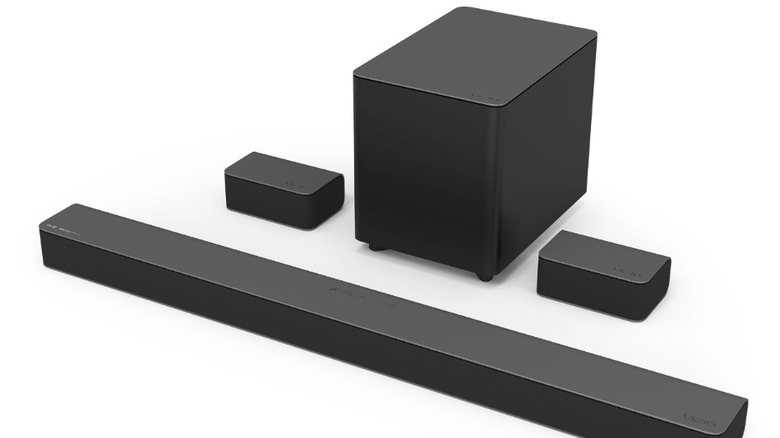
While most Smart TVs have impressive picture quality, the speakers often leave a lot to be desired, which is why many people add a sound bar to their home entertainment setup. If you use Google Home to control your TV and other smart devices, you’re going to want a sound bar that’s compatible with it. That’s where the VIZIO M-Series 5.1 Premium Soundbar, available for $339.99, comes in. The soundbar integrates fully with Google Home, allowing you to use voice commands through your Google Assistant-enabled devices to control it. That means you can say, “Hey, Google, play some jazz music,” and the content you requested will play through the soundbar.
Along with soundbars, Vizio also makes TVs and other electronics. While it’s not as well known as some of the bigger players in the tech space, Vizio has made a name for itself as an affordable brand that produces quality soundbars. The Vizio M-Series 5.1 premium soundbar comes with nine speakers and features Dolby Atmos and DTS:X for a surround sound experience that extends from the floor to the ceiling. You can use the speakers in front surround mode or dual stereo mode based on your preferences, and its preset EQ modes let you customize the sound for gaming, movies, music, and more.
Microsoft Xbox Series X|S
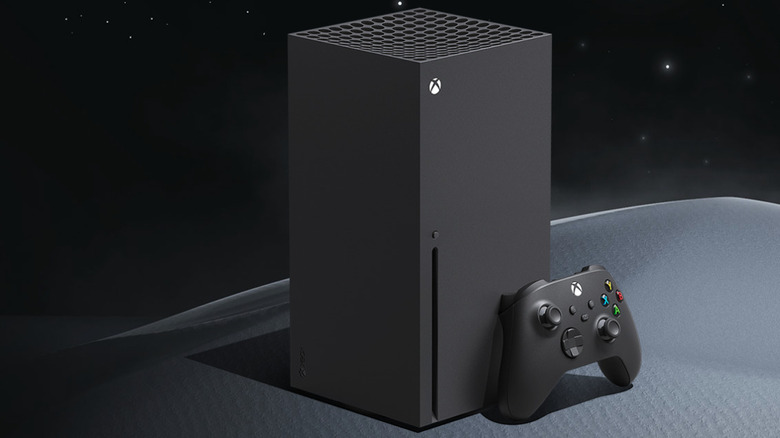
Whether you own an Xbox Series X or an Xbox Series S or are thinking about buying one, if you’re a Google Home user, you’ll be happy to know you can control your Xbox with the Google Home app. Like with other Google Home-connected devices, once you’ve linked your Xbox to Google Home, you can use voice commands like “Hey Google, turn on Xbox” and “Hey Google, launch [game/app] on Xbox” to operate your console.
If you want a more hands-on experience, you can use the touch-based remote on the Google Home app to control your Xbox. With the remote, you can power the console on and off, use a directional pad to navigate menus, and control media playback with play, pause, skip, and volume controls. Amazon sells the Xbox Series X for $569.99 and the Xbox Series S for $299.99. The console you choose will depend on what type of experience you want. While they belong to the same generation, the Xbox Series X is the more powerful system, featuring 4K gaming at up to 120 FPS. The Xbox Series S is a budget-friendly, digital-only gaming console with 1440p gaming at up to 120fps.
Google Nest Hub Max
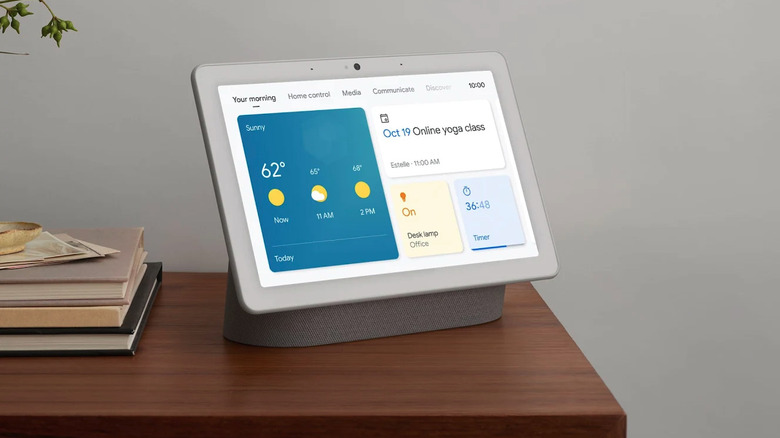
The Google Nest Hub Max is best described as an entertainment hub where you can do everything from listening to music on platforms like Spotify, Pandora, and YouTube Music to watching your favorite content on platforms like YouTube, Netflix, and Hulu. You can also use the Google Nest Hub Max to make video calls and display your favorite photos. Since it’s a Google product, it integrates into the Google Home ecosystem without a hitch, allowing you to manage your smart home and enjoy your favorite entertainment on the same device. As such, you can get hands-free help from Google Assistant for everything from setting reminders to checking the weather.
The Nest Hub Max is available for $229 in the Google Store in chalk and charcoal colors. It has a 10-inch HD screen with stereo speakers, and you can stream from Google Cast-enabled apps directly to the device. Besides keeping you entertained, the Google Nest Hub Max’s built-in Nest Cam keeps you connected to your home when you’re away. You can check the Nest Cam for a live view of your home, and you’ll receive alerts if it detects any movement. With an $8/month Nest Aware subscription, you get even more features, including event video history and intelligent alerts.
Roku Streaming Stick 4K
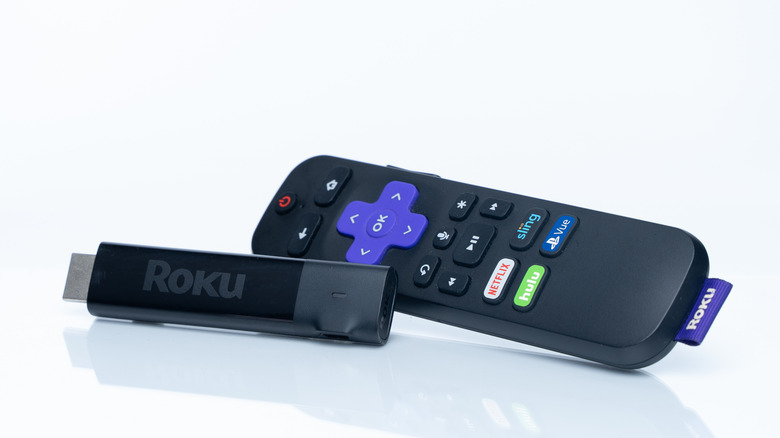
When it comes to entertainment, for many of us, streaming is front and center in our day-to-day lives. The Roku Streaming Stick 4K typically retails for $49 on Amazon, making it one of the most affordable streaming devices on the market. Once you’ve set up the Roku Streaming Stick 4K to work with Google Home, you can use voice commands like “Hey Google, launch Netflix on living room Roku” or “Hey Google, show me documentaries on kitchen Roku.” You can also speak commands to turn your Roku on or off, turn the volume up or down, or pause or resume playback.
The Roku Streaming Stick 4K supports 4K Ultra HD, Dolby Vision, and HDR10+, and its audio features include digital stereo over HDMI, DTS Digital Surround pass-through over HDMI, and support for pass-through of Dolby-encoded audio over HDMI. With its portable design, it plugs directly into your TV’s HDMI port and features a long-range WiFi receiver for a strong, stable connection — even in rooms that aren’t close to the router. As you’d expect from any streaming device, the Roku Streaming Stick 4K gives you access to most streaming services you could want, including Disney Plus, HBO Max, Paramount Plus, and Crunchyroll.
Source: http://www.slashgear.com/1780022/google-home-entertainment-devices-compatible-connect-ready/
You may also like

