 tvbroadview.com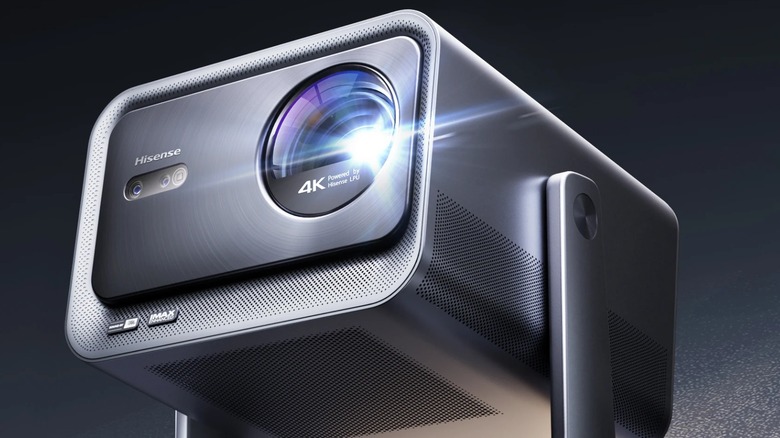
We may receive a commission on purchases made from links.
Home projectors have come a long way in recent years. Manufacturers have made big strides in improving brightness and screen quality while reducing the heat generation, noise, and large footprint that were the pitfalls of previous generations. They haven’t stopped there, though. In addition to these vital quality-of-life improvements, they are also constantly releasing new models with innovative features, many of which fundamentally change the way their owners use them to view media. That’s why it’s worth taking a look at one of the models that manages to offer a few qualities you’re unlikely to find from other manufacturers.
Hisense is perhaps best known for its TV models. The company has a long-held reputation for producing some of the best low-to-midrange smart televisions on the market, but it has recently been making some impressive strides in the field of projectors as well. The Hisense C2 Ultra TriChroma Laser Mini Projector launched in October 2024, and it has since garnered quite a bit of attention. This projector has several features that set it apart from the others you’re likely to see in your local electronics store. Several aspects, from its projection quality to its gimbal-style stand, were designed to help set it apart. So it makes sense that many of the people who are interested in this projector might want to know a bit about its unique qualities and how much they’d have to spend to get one of their own.
The C2 Ultra uses a TriChroma laser
Probably the most important aspect of a projector for most consumers is its picture quality. No amount of fancy features will make up for a blurry image or washed-out colors. Fortunately, that’s an area where the C2 Ultra really stands out.
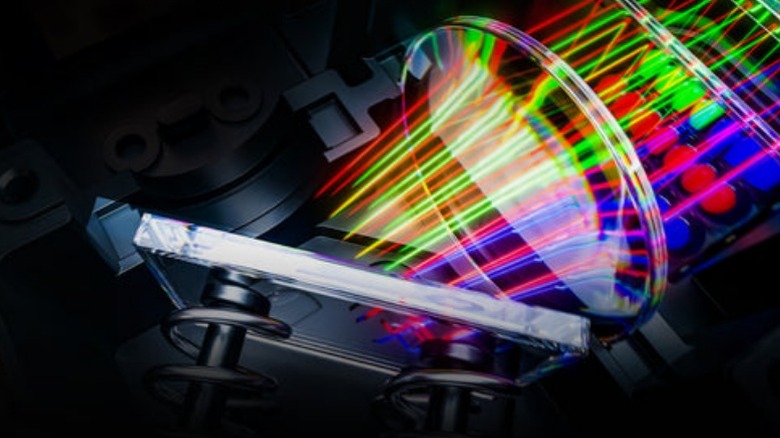
This projector uses an MCL38 with 28 laser chips laser which Hisense has labeled TriChroma. This appears to be a proprietary technology, as Hisense and its subsidiary Vidaa are the only two manufacturers that seem to have it available in their products. Hisense claims that “TriChroma Laser Technology uses pure red, green, and blue lasers to deliver an unprecedented picture with over 1.07 billion shades of color, reaching 110% of the BT.2020 color space -that’s color you’ve never seen on a display before.” This is available in a handful of Hisense projectors, though it may have slightly different specs depending on other factors, such as the lens.
On the C2 Ultra, this laser is able to produce a 65-300-inch projection size with a 0.9-1.5:1 throw ratio and 3,000 ANSI lumens of brightness. This level of brightness is perfect for larger images and requires less control of ambient light than many other projectors, making it perfect for keeping your projector’s image bright and sharp. The image itself is a 4K-quality resolution with a 2,000:1 contrast ratio. That’s at the bottom of what is considered the ideal contrast range, though it’s certainly not bad. Hisense also claims that the projector’s 0.47-inch DMD chipset can offer IMAX-enhanced visuals and comprehensive HDR support for HDR10+, HDR10, Dolby Vision, and HLG. All of this adds up to a projector that is able to produce a high-quality image that is big, sharp, bright, and vibrantly colorful.
The C2 Ultra has a built-in gimbal stand
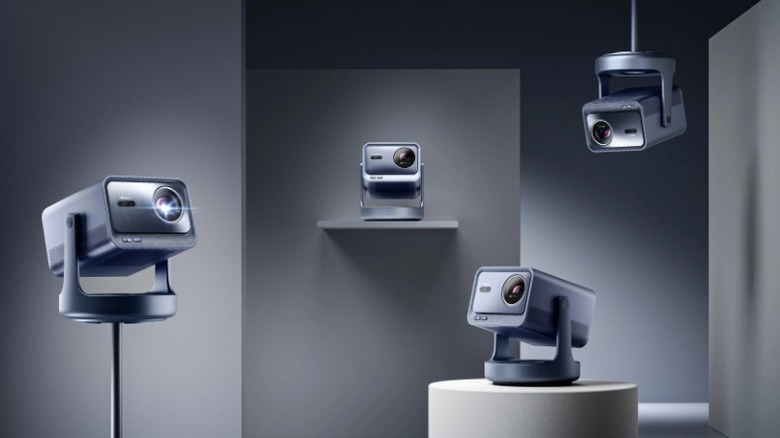
One of the more structural aspects of the C2 Ultra helps to distinguish it from its competitors as well. While many other projectors might come with a simple stand or require a separate mounting solution, the C2 Ultra has a built-in gimbal that is designed to make it easy to set up.
The gimbal can be mounted to the wall ceiling or floor in addition to being easy to set up on a table, shelf, or other flat surface. Several of the marketing images also seem to suggest that it can be paired with the Hisense Projector C1 Premium Metallic Floor Stand if you want to set it up that way, though this compatibility isn’t explicitly listed. That isn’t what makes the gimbal impressive, though. It can swing the projector in a full 360° circle and has arms that offer 135° of vertical rotation. Most other projectors don’t include a dedicated mount. They are usually either mounted on flat surfaces or else require a separately purchased stand or ceiling mount. This is why it isn’t uncommon to see people stacking books under their projectors in order to get the height and angle they’re looking for. It’s also a common source of frustration when a ceiling mount is slightly misaligned.
This might not be quite as important to prospective buyers as some of the other specs and features, but anyone who’s struggled to get just the right angle for their projector will certainly appreciate the extra mobility.
The C2 Ultra is optimized for Xbox gaming
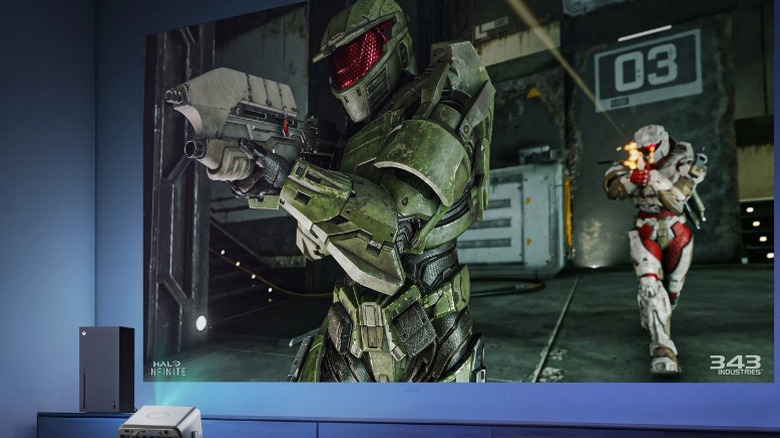
While projectors are great for television and movies, the sad truth is that most of them aren’t ideal for gaming. This is because most projectors have relatively low refresh rates which means that games played on them often suffer from side-effects such as lag, motion blur, ghosting, and screen tearing. The Hisense C2 Ultra, on the other hand, is specially designed to work with Xbox gaming consoles.
The C2 Ultra has a native 60Hz refresh rate, which wouldn’t be overly impressive on its own, but when the projector is attached to an Xbox, it automatically switches to a Low Latency Mode that uses MEMC (Motion Estimation and Motion Compensation) to bump it up to an effective 240Hz refresh rate. This mode also grants a 12ms input lag. These are significantly better specs than what you’ll find on most other projectors in this price range.
Hisense isn’t the only company to offer this kind of gaming mode. ViewSonic has a few projectors with the “Designed for Xbox” badge as well. Even so, it’s a rare feature that you won’t find on many other devices and contributes to the uniqueness of the C2 Ultra as a whole.
The C2 Ultra has built-in JBL sound
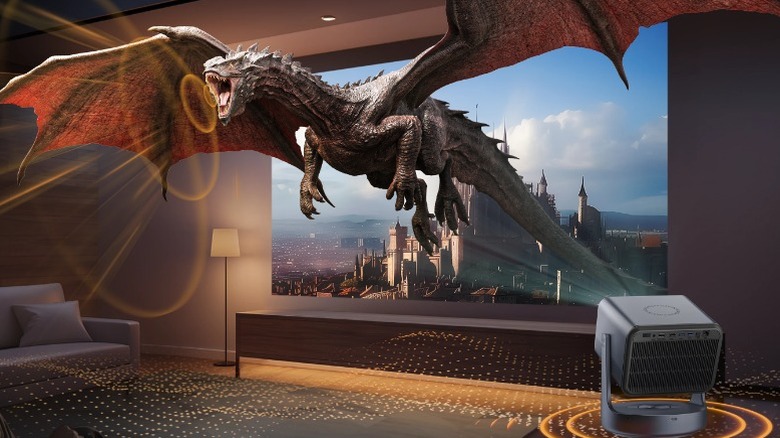
Another aspect of the C2 Ultra that’s pretty unique is its built-in audio solution. While many people who are dropping a substantial amount of cash on a projector may wish to invest in a dedicated sound system, it’s worth noting that this projector comes with JBL audio.
JBL has a reputation for producing speakers with clear, balanced sound with rich bass and detailed treble. The C2 Ultra has a built-in 2.1-channel speaker set composed of two 10W stereo speakers and a 1.2L 20W dedicated subwoofer. This should provide a full range of sound while the woofer expands the bass and fills in the lower 50Hz range. There are a few other projectors out there that benefit from JBL quality, but none have a setup quite like this one.
This projector’s sound benefits from more than just hardware though. The audio is also enhanced by Dolby Digital and DTS Virtual:X. This means that even though the projector itself will be the source of your audio, the software will help it to simulate omnidirectional sound, effectively tricking your ears into thinking the sound is coming from all around you.
How much does the C2 Ultra cost?
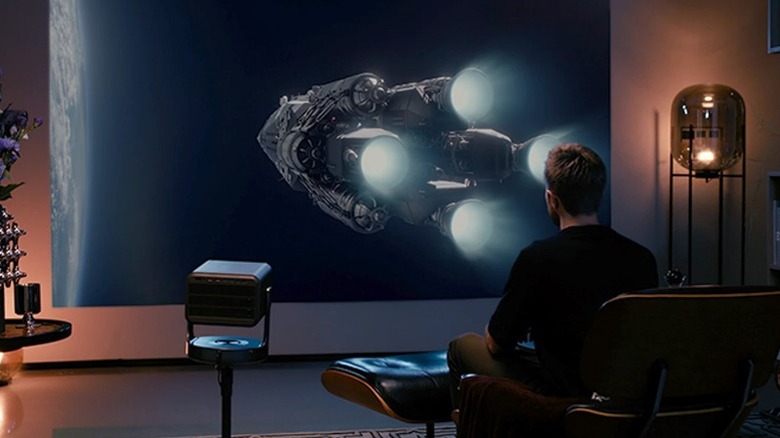
Finally, you’ll want to consider how much the C2 Ultra costs. Laser projectors are expensive for a reason, but no amount of cool features will matter if a projector is completely out of your price range. While it’s hard to call any electronics device that costs four figures cheap, the Hisense C2 Ultra is priced competitively when compared to projectors from other manufacturers that have similar spec sheets.
The Hisense official store has the C2 Ultra listed for 2,499.99, which is pretty comparable to its current price on Amazon. That said, you can also find the projector for sale on other retail sites like ProjectorScreen.com where it’s presently listed for just $1,997. That might seem like a lot of money to spend on a projector, but most of the higher-end models are even more expensive.
Compare that price to other 4K 130-inch projectors like the $4,579.00 Samsung SP-LSP9T or even the $3,999.99 Epson Home Cinema LS11000, and you’ll see that the C2 ultra is much more affordable than many of the current alternatives. There are a few cheaper options out there as well, however. You can get the Nebula Cosmos for $1,499.99 or the JMGO N1S Ultra for $1,799.00 if you’re looking for something more affordable.
Source: http://www.slashgear.com/1814316/hisense-c2-ultra-what-makes-projector-unique-how-much-cost-price/
You may also like

